The rest of the time
On a normal day, work the way you're used to
When nothing is stuck, it's just a normal Git client — a few fewer buttons, but all the everyday steps are there.
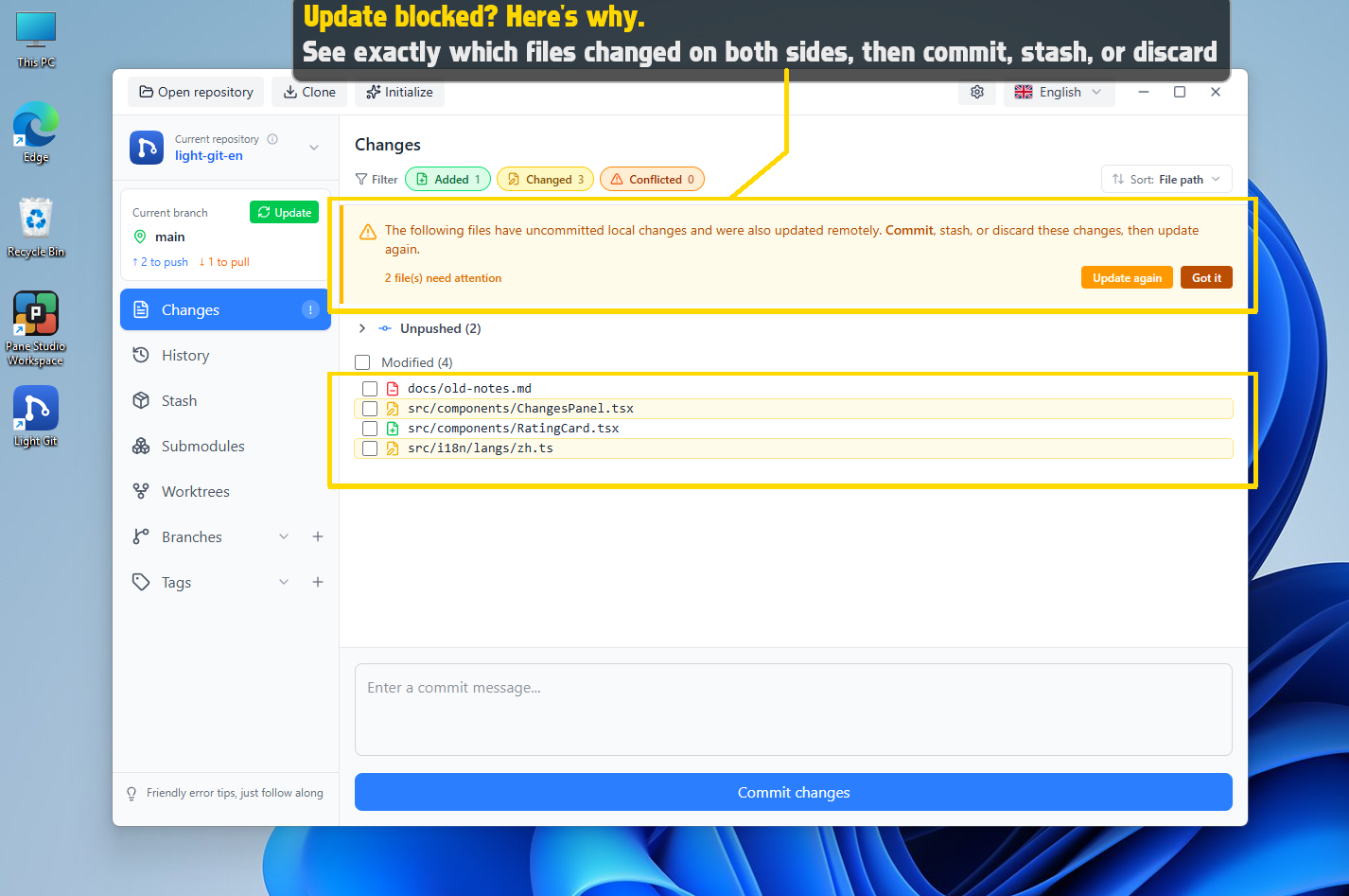
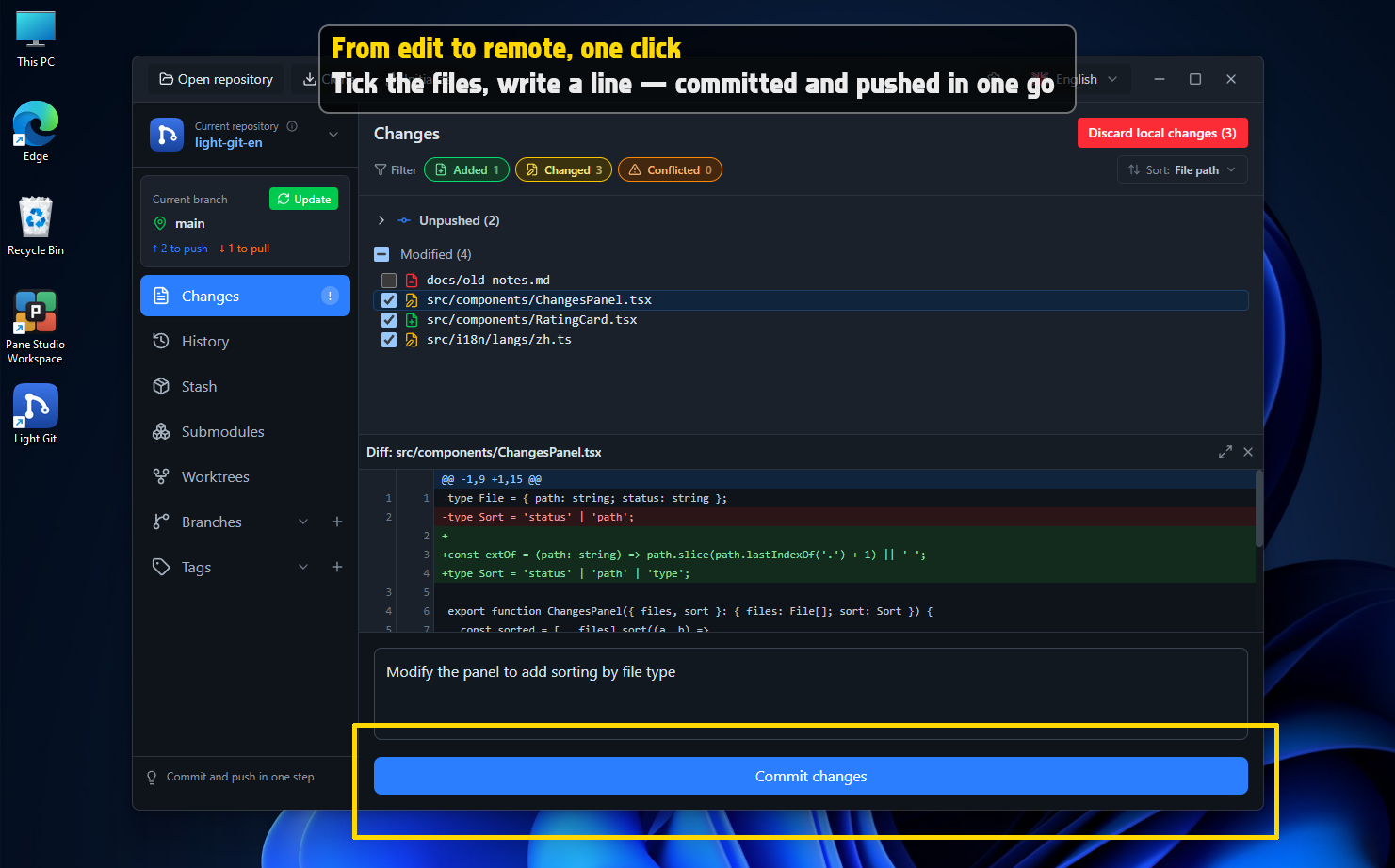
Changes
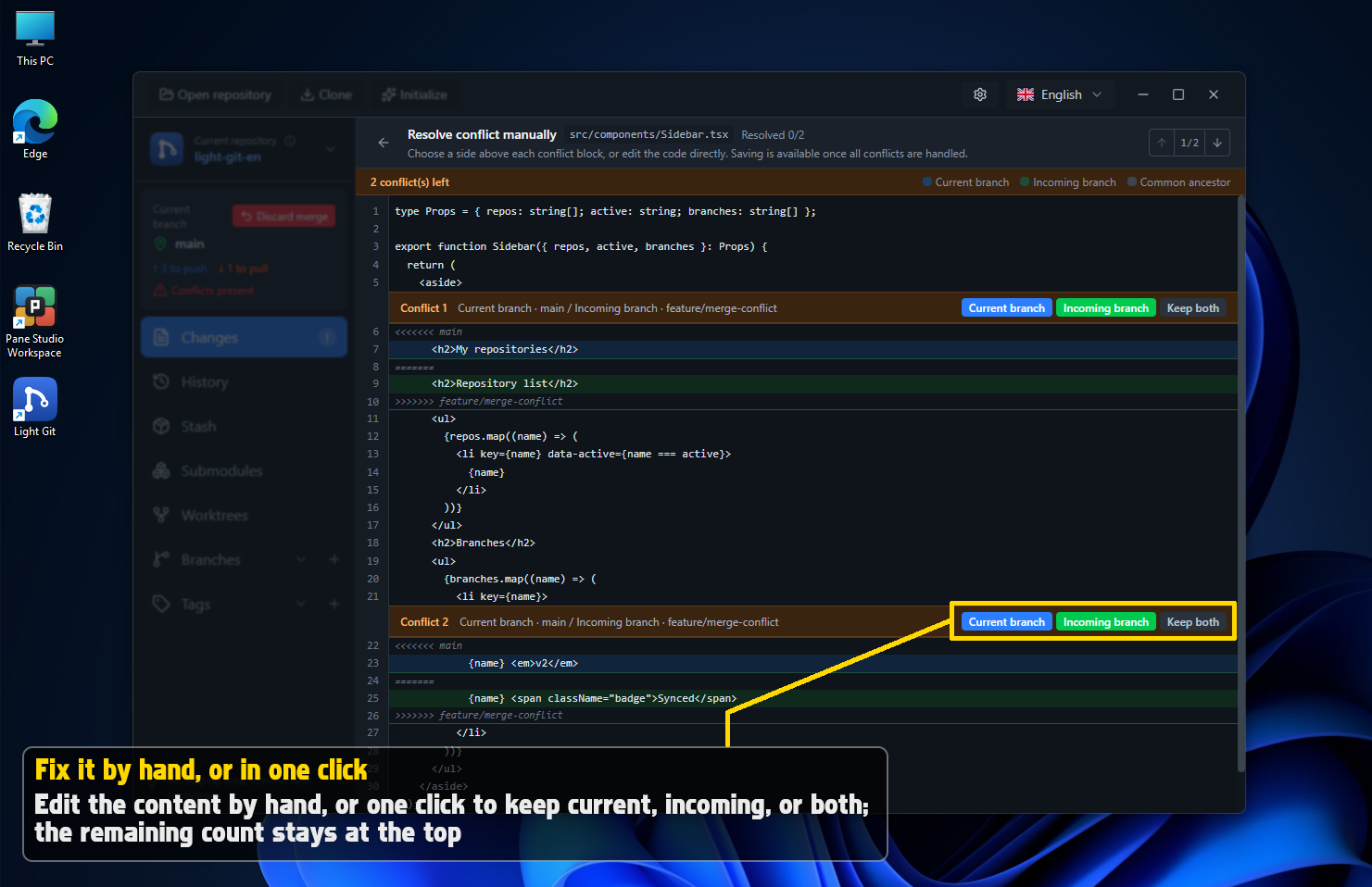
Grouped by added / modified / deleted; only ticked files go into this commit. Line-by-line diffs, before/after comparison for images, and cell-by-cell diffs for spreadsheets (.xlsx / .xls / .csv) that also detect whole-row and whole-column insert/delete; sort by status, path or file type, filter by added / changed / conflict. Commit messages can be generated from the change statistics.
History
Commits have branch lanes, so you can see at a glance which branch a commit is on and where it was merged in. When history gets long, press Ctrl+F or click the magnifier in the title bar to search by commit message: matching rows and keywords highlight, Enter steps through the hits, and a counter under the box shows where you are in the loaded history. Open a commit for its file list and line-by-line diff (spreadsheets compare cell by cell too); expand the diff to fill the content area or step through files and hunks. Copy the hash, or create a branch or tag right at that commit.
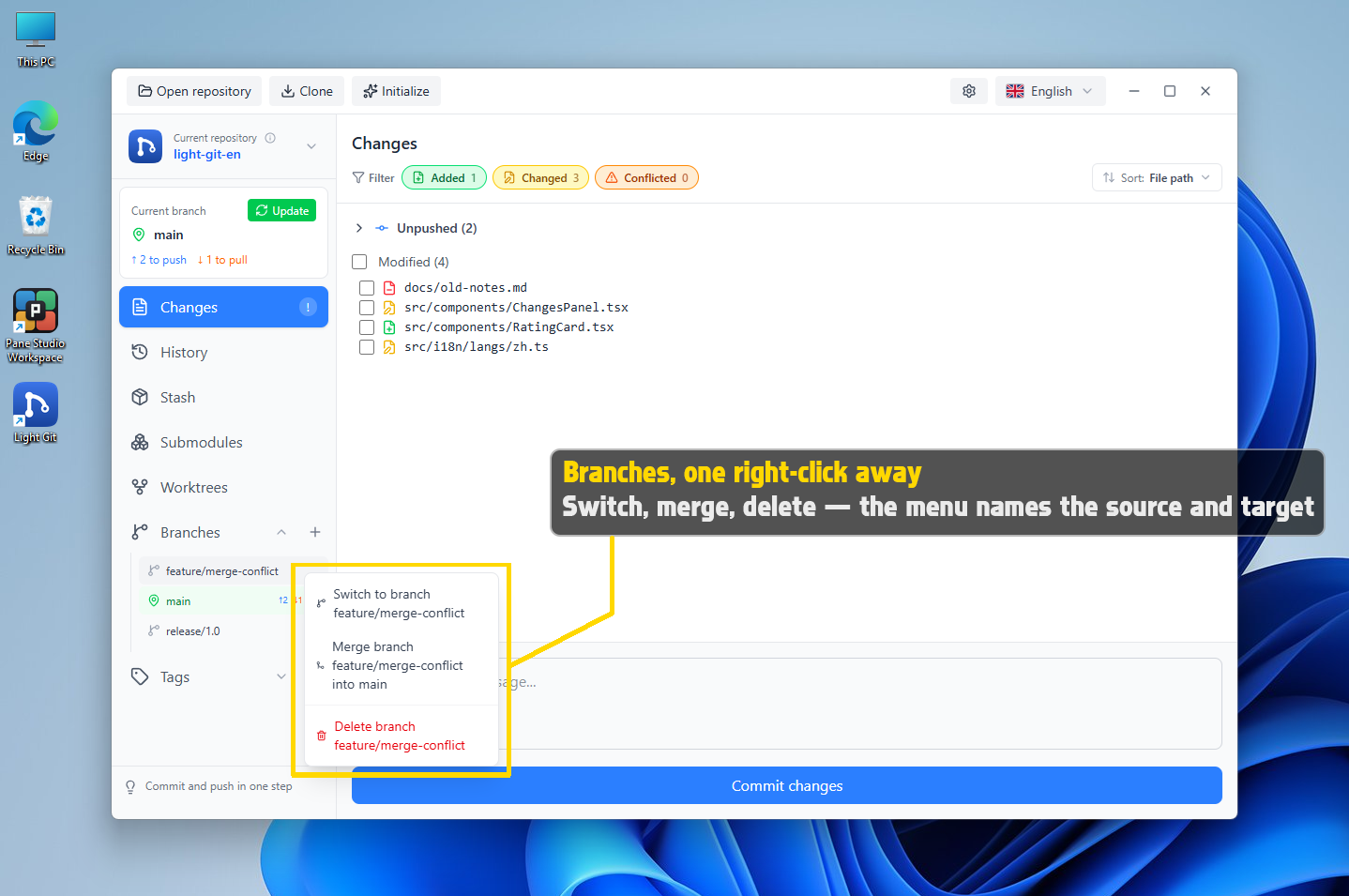
Branches
Local and remote branches in one list, with the same switch / merge / delete workflow; merge prefers the latest commit on the remote. Creating a branch also pushes it; if the push fails, the local ref is rolled back.
Tags
Add a message to create an annotated tag and push it; click it to jump to that commit in History; deleting removes local and remote together, so no orphan tag is left on the server.
Stashes
Restore (recover and delete the record) and Apply (recover but keep the record) are separate; untracked files can be included. If a restore is blocked by uncommitted work, stash that work first and try again.
Repositories & environment
Clone directly from a remote URL; checking out a specific commit requires a target branch, so you never land on a detached HEAD. In Repository Properties you can add, edit and delete multiple remotes and choose which one updates and pushes; the last remaining one can't be deleted. Git is detected at startup — install it in one click if it's missing, or point to an existing git.exe.
Submodules
Lists each submodule's path, remote URL, current branch and uncommitted changes. Uninitialized ones can be initialized in one click; initialized ones open as standalone repositories via Manage. You can also create, change the URL or delete them; the deletion is committed on the Changes page.
Worktrees
Check out the same repository into several folders at once. Leave the path empty to generate one automatically; an existing branch is checked out as-is, a missing one is created from the current commit and pushed to the remote. Each worktree opens and is managed separately; delete it when done.
Interface
Light and dark themes follow Windows. UI in Simplified Chinese, Traditional Chinese, English, Japanese, German, Spanish and French, selected automatically from the system language.
Platform
Not tied to any hosting platform: GitHub, Gitee, GitLab or your own server — it uses the Git on your machine.
 Light Git